Guides
AI Video Generator for TikTok and Reels: The Complete Guide
CreatorsForge Team · July 10, 2026 · 2 min read
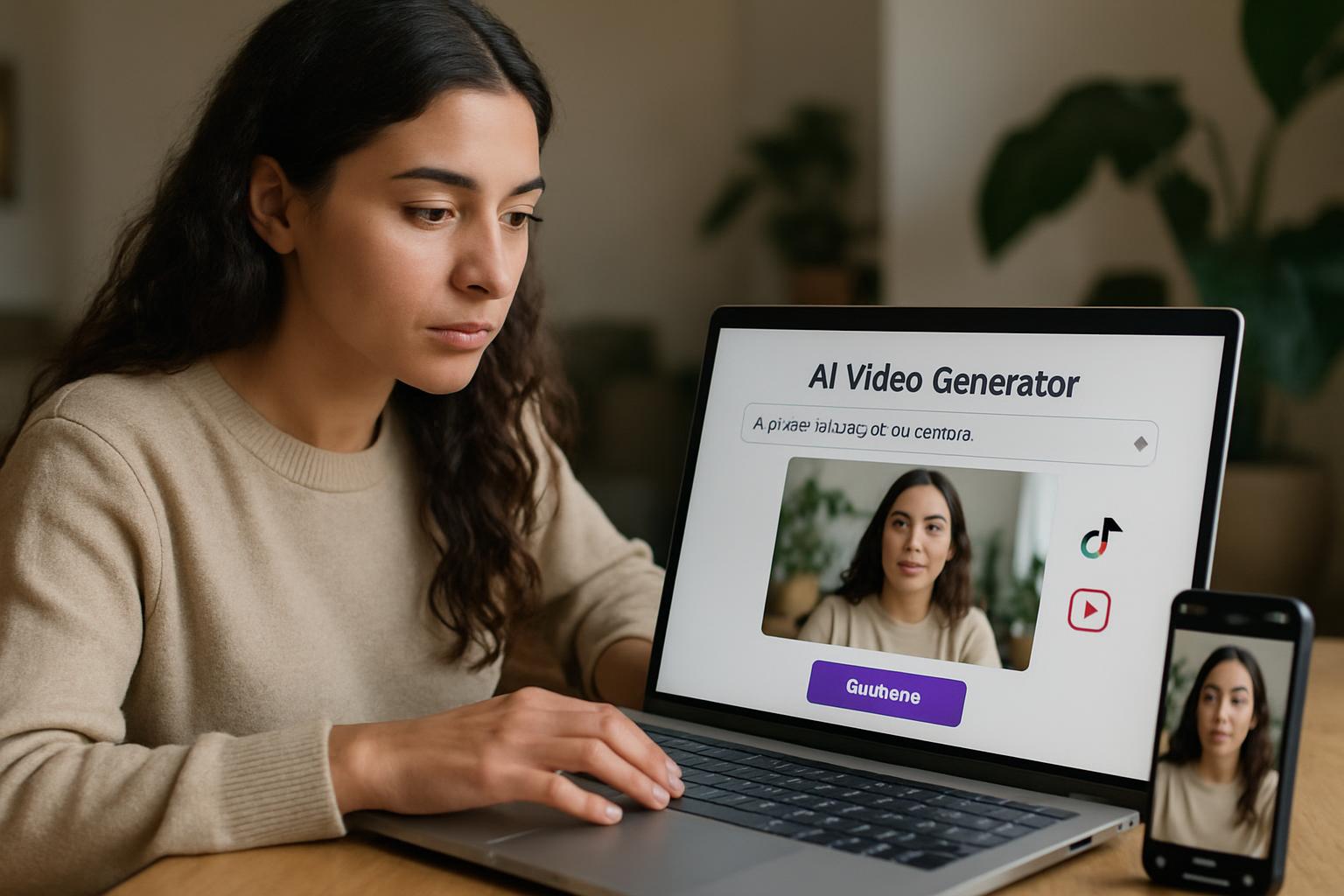
What Is an AI Video Generator for TikTok and Reels?
An AI video generator for TikTok and Reels is a tool that automates the most time-consuming parts of short-form video creation—scripting, visuals, voiceovers, captions, and editing—so you can publish more content in less time. Instead of spending hours filming and cutting clips, you provide a prompt or idea and let AI assemble a vertical, platform-ready video.
How AI video generation works
Modern tools combine several models: language models write scripts and captions, text-to-speech engines create natural voiceovers, and generative or stock-based systems produce matching visuals. The output is stitched together into a 9:16 video optimized for mobile viewing.
Key features to look for
- Vertical (9:16) export presets for TikTok, Reels, and Shorts
- AI script and hook generation
- Realistic AI voiceovers and auto-captions
- Stock, avatar, or generative visuals
- Brand kit support for fonts, colors, and logos
Why Creators and Marketers Are Switching to AI Video
Short-form video dominates every major platform, but producing enough of it manually is exhausting. AI closes that gap.
Speed and volume
What once took a full day can now take minutes. Creators can batch a week of content in a single session, which is essential for the posting frequency the algorithms reward.
Lower production costs
Small businesses no longer need a videographer, editor, and voice actor. One person with an AI tool can produce professional-looking clips at a fraction of the cost.
Consistent brand output
With saved brand kits and templates, every video stays on-brand—same colors, fonts, and tone—no matter who creates it.
How to Create a TikTok or Reel with AI Step by Step
Step 1: Define your hook and script
Start with a strong hook. Enter your topic and let the AI draft several script variations, then choose the one with the sharpest opening line.
Step 2: Generate visuals and voiceover
Select a voice style that matches your brand and let the tool pull or generate visuals tied to each line of the script.
Step 3: Edit for platform specs
Confirm the video is 9:16, under 60 seconds for maximum reach, and captioned for silent viewing.
Step 4: Optimize captions and hashtags
Use AI to draft an engaging caption and a mix of broad and niche hashtags to expand reach.
Best Practices for High-Performing AI Short-Form Video
Nail the first three seconds
The hook determines whether viewers stay. Lead with a question, bold claim, or visual surprise.
Match trends without losing brand voice
Adapt trending audio and formats, but keep your messaging authentic to your brand.
Test and iterate
Publish variations, review watch-time and retention data, and double down on what works.
Common Mistakes to Avoid
- Overloading videos with text on screen
- Using robotic-sounding voiceovers without editing pacing
- Ignoring captions for accessibility and silent viewing
- Posting inconsistently instead of building a rhythm
Getting Started with CreatorsForge
CreatorsForge lets creators, marketers, and small businesses generate scroll-stopping TikToks and Reels in minutes—complete with AI scripts, voiceovers, captions, and vertical exports. Build a consistent content engine without the production overhead.
Start free at CreatorsForge.io and publish your first AI-generated Reel today.
Frequently asked questions
- Can an AI video generator really make content for both TikTok and Reels?
- Yes. Quality tools export in the 9:16 vertical format that both platforms require, so a single video can be repurposed across TikTok, Reels, and YouTube Shorts.
- Do AI-generated videos perform well on social algorithms?
- They can perform just as well as manually made videos when you focus on strong hooks, captions, and consistent posting. Algorithms reward engagement and retention, not production method.
- Is it expensive to use an AI video generator?
- Most tools, including CreatorsForge, offer free tiers so you can start creating without upfront costs, then scale up as your content needs grow.
- Do I need editing experience to use CreatorsForge?
- No. The platform automates scripting, visuals, voiceovers, and editing, so beginners can produce polished short-form videos without technical skills.
Ready to build with AI?
CreatorsForge turns one idea into finished content, published and measured — automatically.
Start free