AI Video
AI Voiceover for Videos: A 2026 Guide to Natural AI Narration
CreatorsForge Team · November 22, 2026 · 11 min read
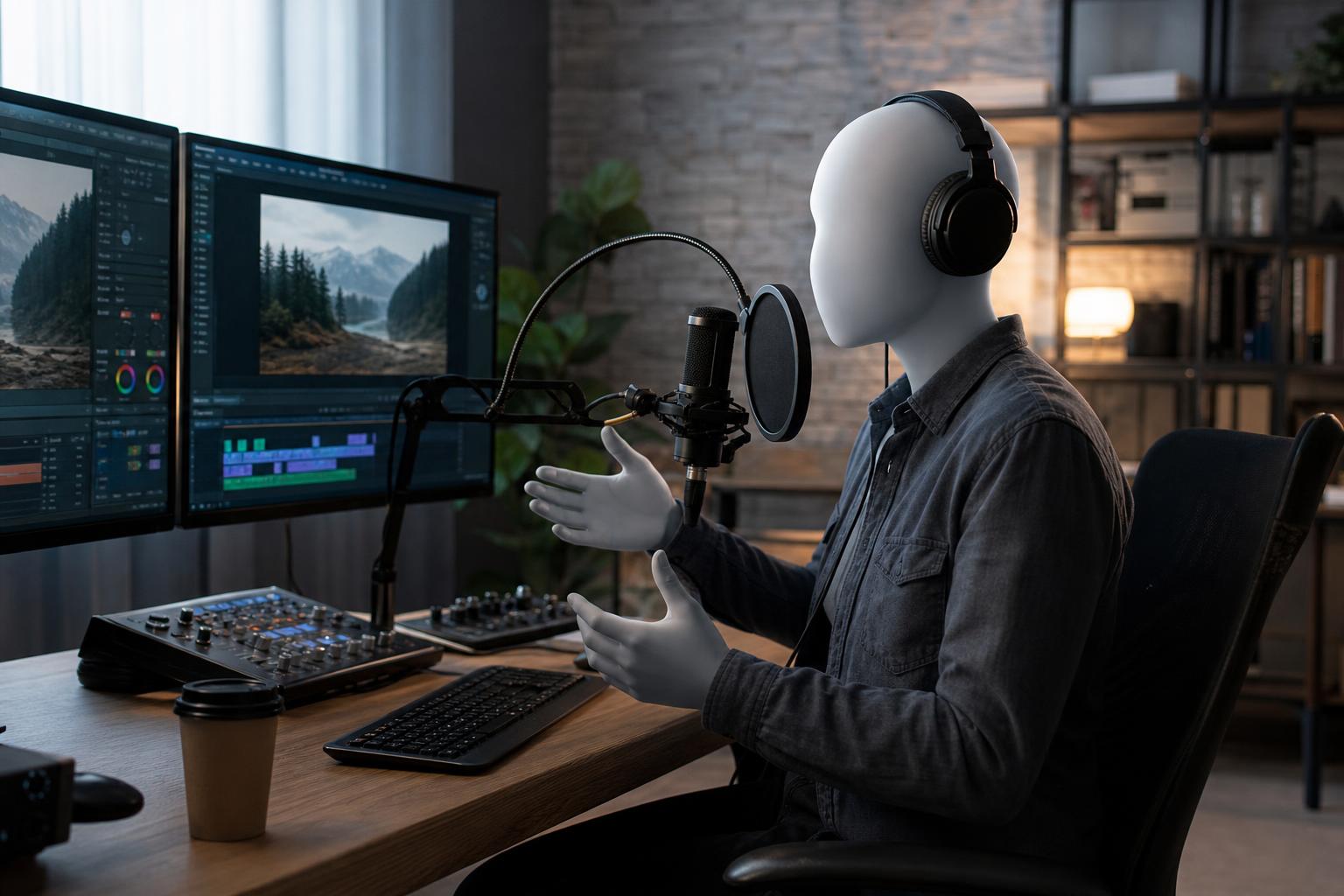
AI voiceover for videos lets you turn a written script into spoken narration without a microphone, a studio or a recording session. In 2026 the best voices handle natural pacing, emphasis and dozens of languages, which makes them practical for tutorials, product demos, social clips and explainers. They are not magic, though. Results depend on the script, the voice you choose, how carefully you edit timing and whether you have the right to use the output commercially. This guide explains how the technology works, when it fits, how to compare tools, how to use free options sensibly and a step-by-step process you can follow today. It is written for readers worldwide, so where rules or availability differ by country or region, we say so.
In this article
- Key takeaways
- What AI voiceover for videos is and how it works
- When AI narration is a good fit, and when it is not
- How to choose a realistic AI voice generator
- AI voice over free: what free plans really give you
- Write a script that sounds natural when spoken
- How to add AI voiceover to a video step by step
- Consent, disclosure and licensing around the world
- Common mistakes and a final quality checklist
- Conclusion
Key takeaways
- AI narration converts text into speech using neural models, and quality now depends more on your script and editing than on the tool alone.
- It suits tutorials, explainers, product videos and multilingual versions; emotional storytelling and sensitive topics often still benefit from a human voice.
- When comparing a realistic AI voice generator, check voice quality, language coverage, pronunciation control, export formats and commercial licence terms.
- Free plans are useful for testing, but read the limits on minutes, watermarks, downloads and commercial use before you publish.
- Always get consent before cloning a voice, and check platform disclosure rules and local laws, which differ between countries.
- Listen to the full track on headphones and a phone speaker before publishing.
What AI voiceover for videos is and how it works
AI voiceover is synthetic speech generated by software from written text, then used as the audio track of a video. You paste or import a script, select a voice, adjust settings such as speed or emphasis, and export an audio file or a finished video with narration baked in. The process takes minutes instead of the hours that booking, recording and editing a person can require.
From text to speech to neural voices
Early text to speech for video sounded flat because it stitched together pre-recorded fragments or followed rigid rules. Modern systems use neural networks trained on large amounts of recorded speech. They predict not only which sounds to produce but also rhythm, intonation and stress across a whole sentence. That is why a good voice now pauses at commas, lifts at questions and slows slightly at the end of a paragraph.
Most tools also offer controls layered on top of the model: speaking rate, pitch, style presets such as conversational or newsy, and markup for pauses or pronunciation. Some can clone a voice from a short sample, which brings extra consent questions covered later in this guide.
AI narration compared with a human recording
AI narration is fast, consistent and easy to revise. If you change one sentence, you regenerate that line rather than rebook a session. A human voice actor brings acting choices, spontaneous warmth and cultural nuance, but costs more time and money per revision. Neither is automatically better. The right choice depends on the video's purpose, audience and budget, and many teams mix both: a person for flagship brand films, AI for high-volume or frequently updated content.
When AI narration is a good fit, and when it is not
The technology is strongest where information is the point and where you need to produce or update a lot of content. It is weaker where performance is the point. Deciding honestly up front saves you from publishing something that feels off to viewers.
Strong use cases
- Tutorials and how-to videos: steps change often, so quick re-generation is a real advantage.
- Product demos and explainers: a calm, clear voice works well over screen recordings.
- Social clips and short-form video: you can test several hooks and voices quickly.
- Training and internal communication: consistent delivery across many modules.
- Multilingual versions: one script can be translated and voiced in several languages, though a native speaker should review the translation.
- Accessibility: narration can complement captions for viewers who prefer to listen.
Situations that still call for a human voice
Be cautious with grief, crisis communication, comedy that depends on timing, documentary storytelling and any content where a recognisable personal voice is the brand. Audiences are also more sensitive when a message appears to come from a real person, such as a founder's apology. In those cases a recording of the actual person, or a professional actor, builds more trust. If you are unsure, test a short section with a small group from your audience and ask what they notice.
How to choose a realistic AI voice generator
A demo clip of one perfect sentence tells you little. Judge a realistic AI voice generator on your own script, at the length you actually publish, and in the languages you actually need.
Criteria that matter most
- Naturalness over a full paragraph: listen for consistent pacing, odd stress and robotic endings, not just the first line.
- Voice variety: multiple ages, accents and styles so you can match your audience and brand.
- Language and accent coverage: availability varies widely by language, and smaller languages often have fewer high-quality voices.
- Control: pause insertion, pronunciation fixes for names and jargon, and the ability to regenerate one sentence.
- Output quality: uncompressed or high-quality export such as WAV, plus MP3 for quick drafts.
- Licensing: clear written terms on commercial use, ads and monetised channels.
- Workflow fit: whether narration lives alongside your video editor, captions and publishing tools.
A quick comparison table
| Approach | Speed | Control over delivery | Best for | Watch out for |
|---|---|---|---|---|
| Standalone text to speech tool | Fast | Medium to high | Audio-only needs, podcasts, quick drafts | Extra steps to sync with video |
| AI video platform with built-in narration | Fastest | Medium | Short explainers and social video | Fewer fine-tuning options |
| Voice cloning of a consenting speaker | Fast after setup | High | Consistent brand voice at scale | Consent, security and licensing |
| Human voice actor | Slowest | Highest | Flagship films, emotional storytelling | Cost and revision time |
If you are also weighing the video side of the stack, our AI video generator comparison covers features and who each tool suits.
AI voice over free: what free plans really give you
Searching for AI voice over free is sensible: testing before paying is good practice. Just remember that "free" can mean very different things, from a permanent small allowance to a short trial with strict conditions.
Typical limits of free tiers
Free plans commonly restrict some combination of the following. Exact limits vary by provider and change often, so check the current terms rather than relying on a blog post.
- A monthly cap on characters, minutes or credits.
- A smaller selection of voices, with the most natural ones reserved for paid plans.
- Lower audio quality, audio watermarks or limited download formats.
- Limits on how many projects you can save or how long each can be.
- No access to voice cloning or advanced pronunciation tools.
Use a free allowance to answer practical questions: Does the voice suit my topic? Does it pronounce my product name? How much editing does a one-minute script need? Those answers tell you whether to upgrade.
Licensing questions to ask before you publish
The most common mistake with free tools is publishing before checking the licence. Ask whether commercial use is allowed on the free tier, whether attribution is required, whether you can use the audio in paid advertising and whether the terms change if you cancel. Keep a screenshot or copy of the terms on the date you generated the audio, because policies can be updated. When you need reliable commercial rights, a paid plan with explicit terms is usually safer than a free tool with vague wording.
Write a script that sounds natural when spoken
The single biggest improvement to AI narration happens before you generate anything. Text written to be read silently often sounds stiff when spoken aloud, no matter how advanced the voice is.
Write for the ear, not the eye
- Use short sentences, and vary their length so the rhythm does not feel mechanical.
- Prefer contractions and everyday words, such as "you'll" instead of "you will", when they fit your brand.
- Put one idea in each sentence and avoid stacked clauses in brackets.
- Read the script aloud yourself first. If you stumble, the AI voice probably will too.
- Aim for roughly 130 to 160 words per minute for general audiences, and slower for technical or non-native listeners.
Our guide on how to make AI content sound human offers an editing pass that works just as well for spoken scripts as for written ones.
Control pronunciation, pauses and pace
Numbers, acronyms, brand names and place names are where synthetic voices trip. Spell tricky words phonetically in the script if the tool allows it, or use its pronunciation dictionary. Write "twenty twenty-six" or "2026" depending on how the voice reads it, and test. Add pause markers or paragraph breaks where a listener needs time to absorb a point, especially before a call to action. If the tool supports emphasis tags, use them sparingly: one stressed word per sentence at most.
How to add AI voiceover to a video step by step
The workflow below works whether you use a standalone tool or a platform that handles video and voice together. For the wider production picture, see this AI video creation workflow from script to publish.
- Lock the script. Finish edits before generating audio, because changing text later means regenerating and re-syncing.
- Choose the voice. Test two or three voices on the same paragraph and pick the one that fits the audience, not the one you find most impressive.
- Generate in sections. Produce audio by scene or paragraph so you can fix one line without redoing everything.
- Review and correct. Listen for mispronunciations, odd pauses and speed changes, then fix them with spelling tweaks or markup.
- Sync with visuals. Place each clip against the matching scene and trim silences.
- Mix and export. Add music, balance levels, then export the video with captions if needed.
Generate and review the audio
Listen on good headphones first to catch artefacts such as clicks or clipped word endings, then on a phone speaker, which is how many viewers will hear it. Listen once with eyes closed and once with the video. If a sentence feels rushed, split it. If a voice sounds cheerful over a serious topic, change the style or the voice.
Sync, mix and export
Keep music clearly below the narration, often around 15 to 20 decibels lower while the voice is speaking. Many online platforms normalise loudness, and a commonly used target for web video is around -16 LUFS, though recommendations vary by platform. Export a master at 48 kHz for video work, and always add captions: they help accessibility, viewers who watch on mute and search visibility.
Consent, disclosure and licensing around the world
Synthetic voices raise legal and ethical questions that are evolving quickly, and rules differ by country, region and sometimes by industry. This is general information, not legal advice. If your project is high-stakes, ask a qualified professional in your jurisdiction.
Voice cloning and consent
Never clone a person's voice without their clear, informed permission, and keep that permission in writing. Reputable providers require verification for cloning, but responsibility still sits with you. Agree in advance where the voice may be used, for how long, whether it can be used in advertising and what happens if the person leaves your business. Using a public figure's or a colleague's voice without consent can create legal exposure and damage trust, even where local law is still unclear.
Platform disclosure and local rules
Several major video and social platforms now ask creators to disclose realistic synthetic or altered content, particularly when it could mislead viewers. Some regions are introducing transparency requirements for AI-generated media, and advertising standards bodies in many countries expect that ads do not mislead. Requirements vary, so check the current policies of each platform you publish on and the rules where your audience lives. A simple line in the description, such as "narrated with an AI voice", is a low-cost habit that supports honesty with viewers.
Common mistakes and a final quality checklist
Most weak AI narration comes from process problems, not from the technology. Fixing a handful of habits usually produces a bigger improvement than switching tools.
Mistakes that make AI narration sound artificial
- Pasting a blog post straight in without rewriting it for speech.
- Using one flat pace for the entire video, with no pauses between ideas.
- Ignoring pronunciation of names, acronyms and numbers.
- Choosing a voice that does not match the audience, such as a youthful voice for a legal topic.
- Skipping the review and publishing the first generation.
- Switching voices between videos so the channel loses a recognisable identity. A written voice and tone guide, as in our piece on AI brand voice consistency, helps here.
Pre-publish checklist
- The script has been read aloud and edited for spoken rhythm.
- Names, numbers and technical terms are pronounced correctly.
- The licence allows your intended commercial use, and you have saved the terms.
- Any cloned voice has written consent.
- Captions are accurate and synced.
- Audio has been checked on headphones and a phone speaker.
- Platform disclosure settings are completed where required.
If you prefer to keep scripting, voice, video and publishing in one place, CreatorsForge.io brings AI video creation, SEO article writing and social publishing automation into a single credit-based platform, with a free trial so you can test the workflow on your own content.
Conclusion
AI voiceover for videos is a practical way to add clear narration quickly, especially for tutorials, explainers, social clips and multilingual content. Strong results come from a script written for the ear, a voice chosen to suit the audience, careful review of pronunciation and timing, and a clear check of licensing, consent and disclosure rules. Use free plans to test, confirm commercial terms before publishing, and keep a human voice for moments where emotion and personal trust matter most.
Frequently asked questions
- What is AI voiceover for videos?
- It is synthetic speech generated from a written script and used as the narration of a video. You choose a voice, adjust pace and pronunciation, and export audio or a finished video. It removes the need for a microphone, studio or recording session.
- Is there a good AI voice over free option?
- Many providers offer free tiers or trials, usually with limits on minutes, voices, quality or downloads. They are ideal for testing how a voice handles your script. Always check whether commercial use is allowed on the free plan before you publish.
- Can viewers tell the difference between AI narration and a human voice?
- With a well-written script and a high-quality voice, many listeners cannot tell on short clips. Longer content, emotional passages and unusual names can reveal synthetic delivery. Editing pace and pronunciation narrows the gap considerably.
- Can I use AI voiceover on monetised YouTube or social videos?
- Often yes, but it depends on the licence of your voice tool and on each platform's policies. Check the commercial terms of the tool and follow disclosure rules for realistic synthetic content. Policies change, so review them regularly.
- How long should a script be for AI narration?
- A comfortable speaking pace is about 130 to 160 words per minute, so a one-minute video needs roughly 130 to 160 words. Slow down for technical topics or international audiences. Shorter sentences generally sound more natural.
- Is it legal to clone someone's voice with AI?
- Laws vary by country and are changing quickly. In general you should have the person's explicit written consent, and using a public figure's voice without permission can cause legal and reputational problems. For commercial projects, seek advice from a qualified professional in your jurisdiction.
- Can AI voiceover work in multiple languages?
- Yes, many tools support dozens of languages and accents, though quality varies by language. Translate the script carefully and ask a native speaker to review wording and pronunciation before publishing.
- Should I add captions to a video with AI narration?
- Yes. Captions help viewers who watch without sound, support accessibility and let people follow along in noisy places. They also give you a chance to catch script errors in the audio.
Ready to build with AI?
CreatorsForge turns one idea into finished content, published and measured — automatically.
Start free