Guides
How to Make Faceless YouTube Videos With AI
CreatorsForge Team · July 8, 2026 · 3 min read
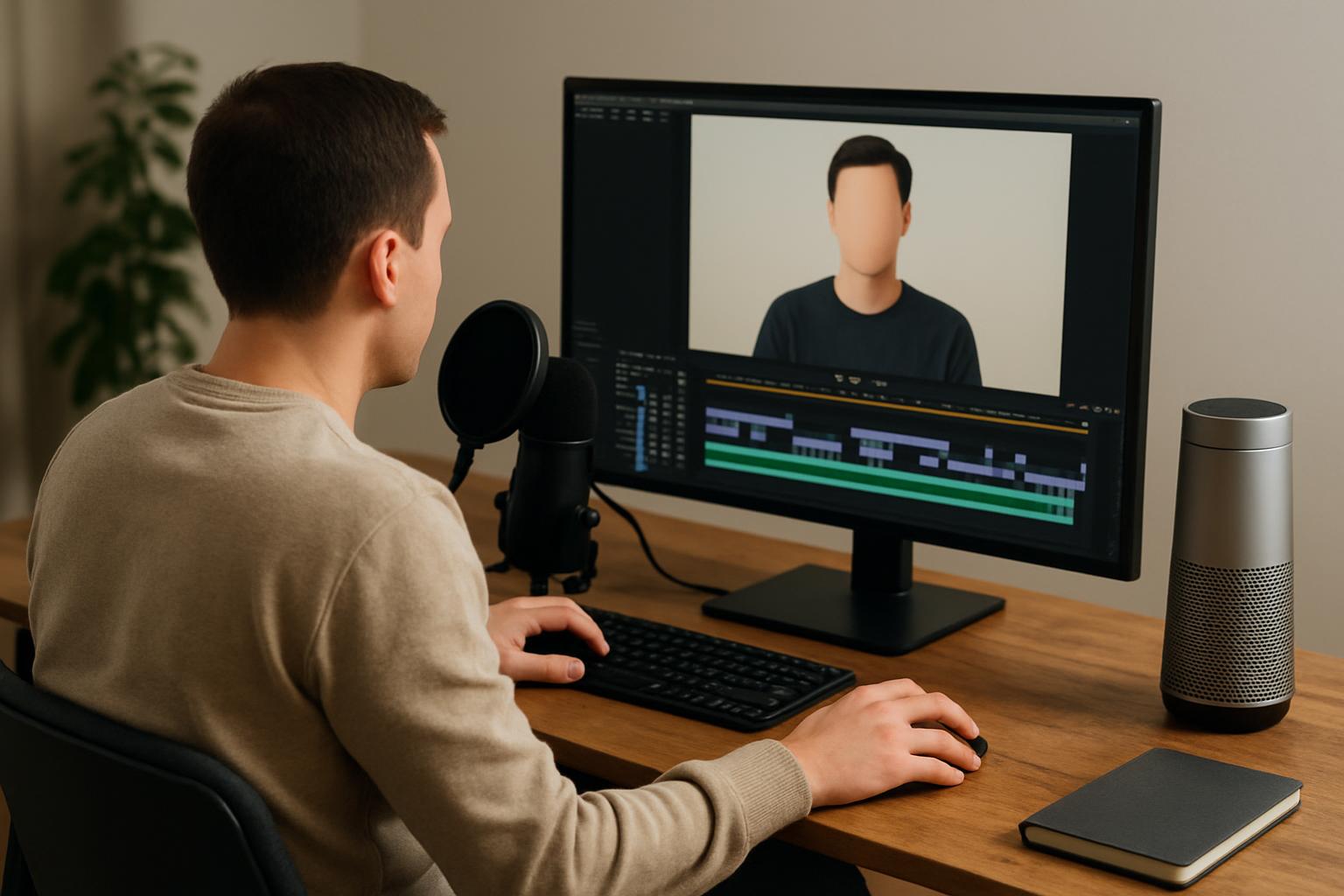
Building a YouTube channel no longer requires a camera, a studio, or even showing your face. With modern AI tools, creators, marketers, and small businesses can produce professional videos entirely behind the scenes. This guide walks you through exactly how to make faceless YouTube videos with AI, from choosing a niche to publishing and monetizing.
What Are Faceless YouTube Videos?
Faceless YouTube videos are pieces of content where the creator never appears on camera. Instead, the value is delivered through voiceovers, stock footage, animations, screen recordings, or AI-generated visuals. Think documentary-style explainers, listicle videos, meditation channels, or finance breakdowns.
Why creators choose faceless channels
- Privacy: Grow an audience without exposing your identity.
- Scalability: Multiple channels can be managed by one person or team.
- Lower barrier: No expensive camera gear or on-camera confidence required.
- Faster production: AI handles scripting, narration, and visuals.
Popular faceless niches that work
- Personal finance and side hustles
- Motivation and self-improvement
- Tech reviews and tutorials
- History and educational explainers
- Relaxation, ASMR, and ambient content
Tools You Need to Make Faceless Videos With AI
A faceless workflow is built from a small stack of specialized tools. Here is what each layer does.
Scriptwriting tools
AI writing assistants can draft a full script from a single topic prompt. Provide context like target length, tone, and audience, then refine the output for accuracy and voice.
AI voiceover generators
Text-to-speech has become remarkably natural. Modern AI voices include realistic pacing, emphasis, and multiple accents, letting you narrate a video in minutes without recording anything yourself.
Visuals and B-roll sources
Combine royalty-free stock libraries, AI image generators, and simple motion graphics to keep the screen engaging while the narration plays.
Video editing and assembly
An all-in-one platform like CreatorsForge lets you turn a script into a finished video by combining AI narration, matched visuals, captions, and background music automatically.
Step-by-Step: Creating Your First Faceless AI Video
Step 1: Pick a niche and topic
Choose a niche you can produce consistently and that has proven demand. Use YouTube search suggestions and trending topics to validate ideas before committing.
Step 2: Generate and refine the script
Prompt an AI writer with your topic, desired length, and hook. Always fact-check claims and add your own perspective so the content feels original and trustworthy.
Step 3: Produce the AI voiceover
Paste your script into an AI voice generator, select a voice that fits your niche, and export the narration. Listen back and adjust pronunciation or pacing where needed.
Step 4: Assemble visuals and edit
Sync visuals to the voiceover, add captions for accessibility and retention, insert background music, and trim dead space to keep the pace tight.
Step 5: Optimize title, thumbnail, and description
Write a click-worthy but honest title, design a high-contrast thumbnail, and include keyword-rich descriptions with chapters. This step drives most of your discoverability.
How to Scale and Automate Your Workflow
Batch production
Script several videos at once, then record all voiceovers and edit in dedicated sessions. Batching reduces context switching and dramatically increases output.
Using templates and presets
Save intro/outro templates, caption styles, and color presets so every video maintains a consistent brand look with minimal effort.
Monetizing a Faceless YouTube Channel
Ad revenue and thresholds
To join the YouTube Partner Program you typically need 1,000 subscribers and 4,000 watch hours (or Shorts equivalents). Consistent, valuable content is the fastest path there.
Alternative income streams
- Affiliate marketing in descriptions
- Sponsorships once you have traction
- Selling your own digital products or courses
- Channel memberships and community perks
Common Mistakes to Avoid
- Robotic narration: Choose natural voices and edit pacing.
- Reused stock everyone sees: Mix sources and add original graphics.
- Ignoring copyright: Only use licensed music and footage.
- No unique angle: AI drafts a baseline; your insight makes it stand out.
With the right stack and a repeatable process, anyone can launch a polished faceless channel. Start small, stay consistent, and let automation handle the heavy lifting.
Frequently asked questions
- Are faceless YouTube videos allowed and monetizable?
- Yes. Faceless channels are fully allowed and monetizable as long as the content is original, adds value, and complies with YouTube's reused-content and monetization policies.
- Do I need expensive equipment to make faceless AI videos?
- No. You only need a computer and access to AI writing, voiceover, and editing tools. Platforms like CreatorsForge combine these steps so no camera or microphone is required.
- How long does it take to make one faceless video?
- With a streamlined AI workflow, a short video can take under an hour. Batching scripts and using templates can reduce per-video time even further.
- Will AI voiceovers sound robotic?
- Modern AI voices are highly natural. Choosing the right voice and adjusting pacing and emphasis produces narration that most viewers can't distinguish from a human.
- What is the best niche for a faceless channel?
- The best niche combines your interest with proven demand. Finance, education, motivation, and tech tutorials perform well because they deliver clear value without needing a face on camera.
Ready to build with AI?
CreatorsForge turns one idea into finished content, published and measured — automatically.
Start free